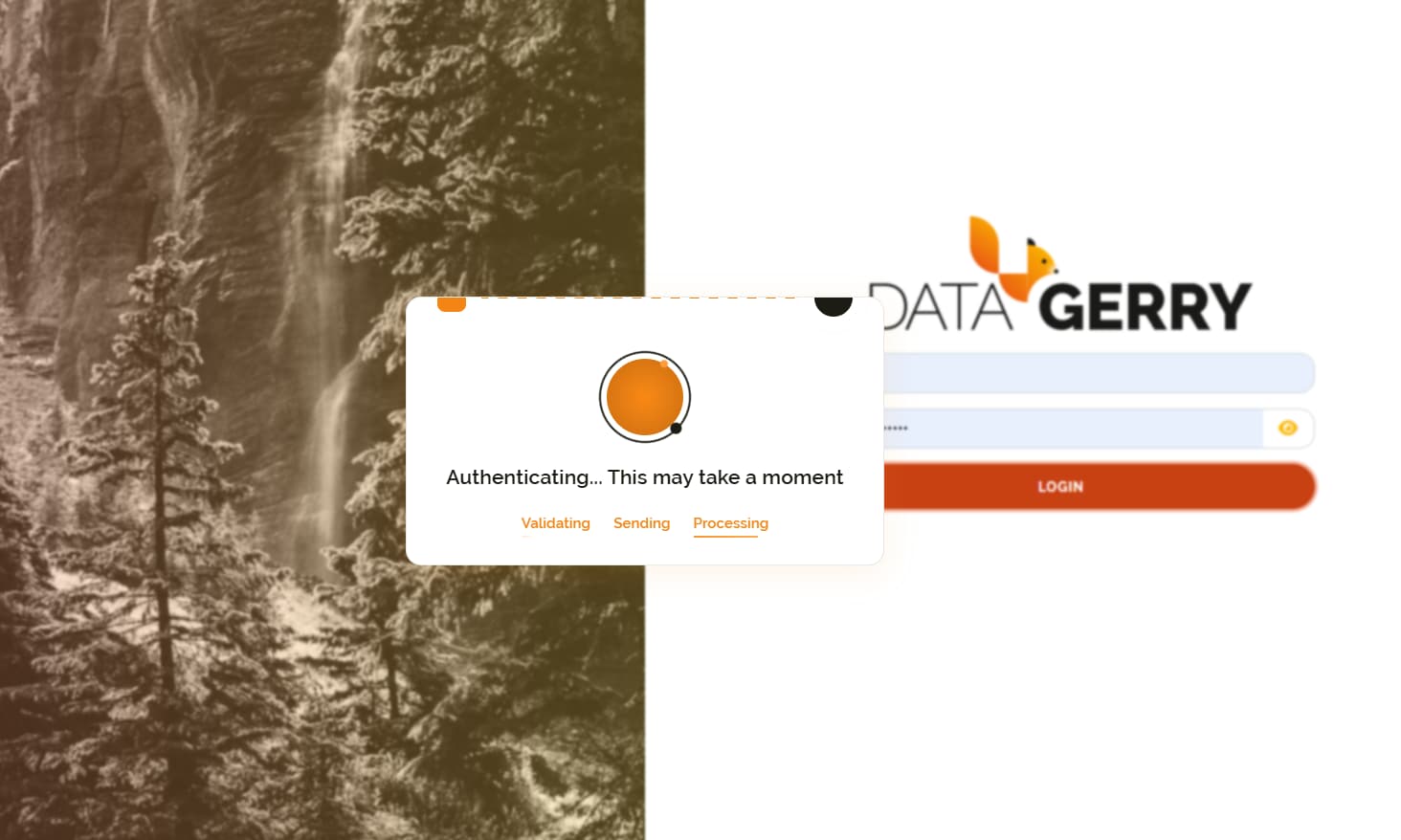
We have updated to 3.0.0 and now, when connecting via LDAP, the connection is terminated with the credentials entered correctly. I have checked the configuration files several times and do not understand how to solve the problem.
[2025-08-21 14:06:54][ERROR ] — [redirect_index] 404 Error: 404 Not Found: The requested URL was not found on the server. If you entered the URL manually please check your spelling and try again. (app_routes.py)
Thanks for reporting the issue. One of our developers is currently on vacation and will be back on Monday, August 25, 2025. As soon as he’s available, I’ll consult with him regarding your configuration and provide you with a detailed solution as quickly as possible.
I’d add my pennies to the LDAP issues in 3.0.0. LDAP users get only username filled in MongoDB at first login. Then I need manually fill others. And there is no way to configure the LDAP group mapping. DG works with a single group user logins but not with mapping. It would be nice to have a doc with a multigroup example in th new version of DG.
Thanks for sharing these details! I’m looping in our team to look into this immediately and will get back to you with an update. Appreciate your patience and feedback!
Hi team.
We’re seeing a similar issue on our side, but it occurs even for local users, regardless of whether LDAP is enabled. We used the same configuration as in the previous version (2.2.0), which worked as expected.
We’re running DataGerry in Kubernetes and using the Traefik Ingress Controller. It works fine when we skip ingress and use port forwarding, which uses HTTP instead of HTTPS.
Could this be related to an SSL issue? I’ve seen a few posts mentioning similar problems.
[2025-09-15 10:38:28][ERROR ] --- [redirect_index] 404 Error: 404 Not Found: The requested URL was not found on the server. If you entered the URL manua │lly please check your spelling and try again. (app_routes.py)
Me and my colleague woulf like to add the following since it seems to be related to this issue. We are also using nginx.
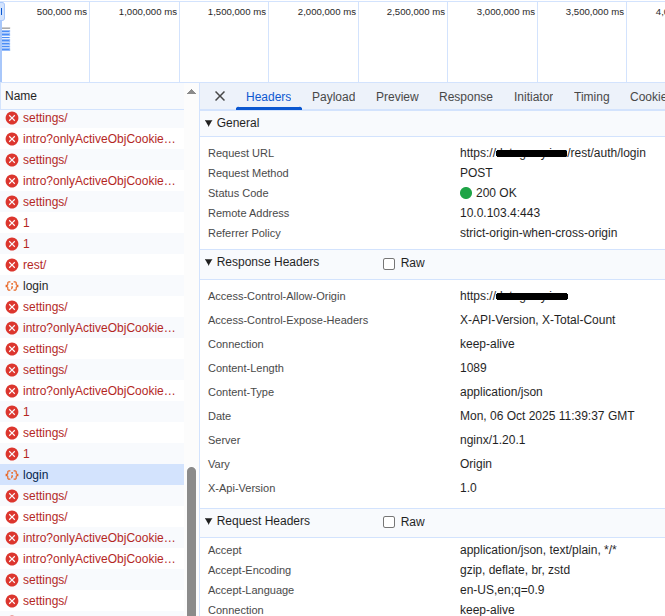
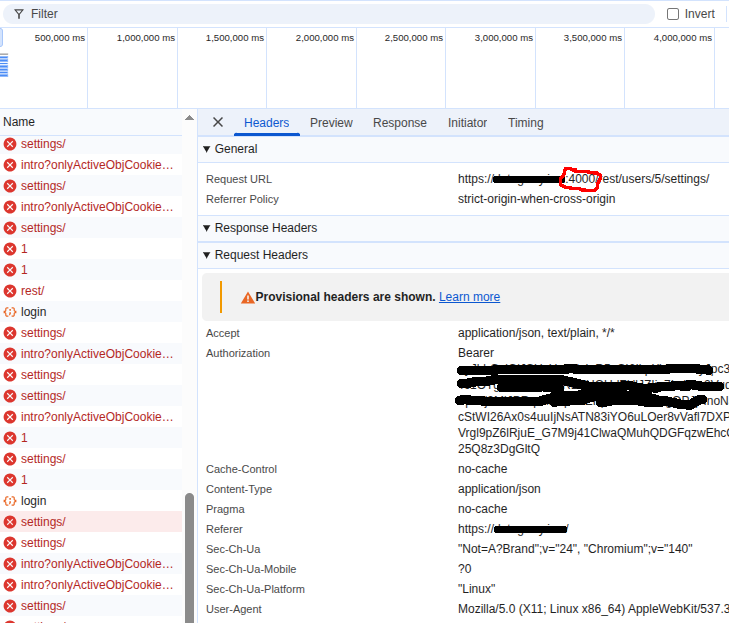
The whole thing is stranger than it seems. I have two different browsers on the same computer, and one works fine. In the other browser(chromium), the login succeeds, but subsequent queries aren’t being directed to the standard port 443. Instead, they’re going to port 4000.
Hello, if you want to workaround this bug temporarily for your user, make sure to open the developer console (F12), go to the “Application” tab, then “Local storage”, choose the item for your host and in the key value store, update the value of the connection key to your hostname but without the port number (4000).
Make sure to keep the double quotes.
I am pretty sure that the devs reading this post will then have a pretty good idea what to change in the code in order to not force saving the port 4000 into the localstorage on proxied configurations running e.g. on full https.
We’re running datagerry in kubernetes on https, and those users, which had the right port-less value stored in their localstorage were able to login correctly, while others who did not have previous sessions, failed due to the API being called via https://hostname:4000 instead of the https://hostname. This makes the bug hard to detect, because it fails typically only for the newbies.
That with the port 4000 looks like a bigger problem, that is not bound to LDAP. We have the same issue: Issue with Datagerry on Kubernetes with Envoy – Redirect to Port 4000 . We found a workaround by patching the hard-coded port values in the code and build the container ourselves. Maybe it can help you too, even if an upstream fix is clearly needed here.